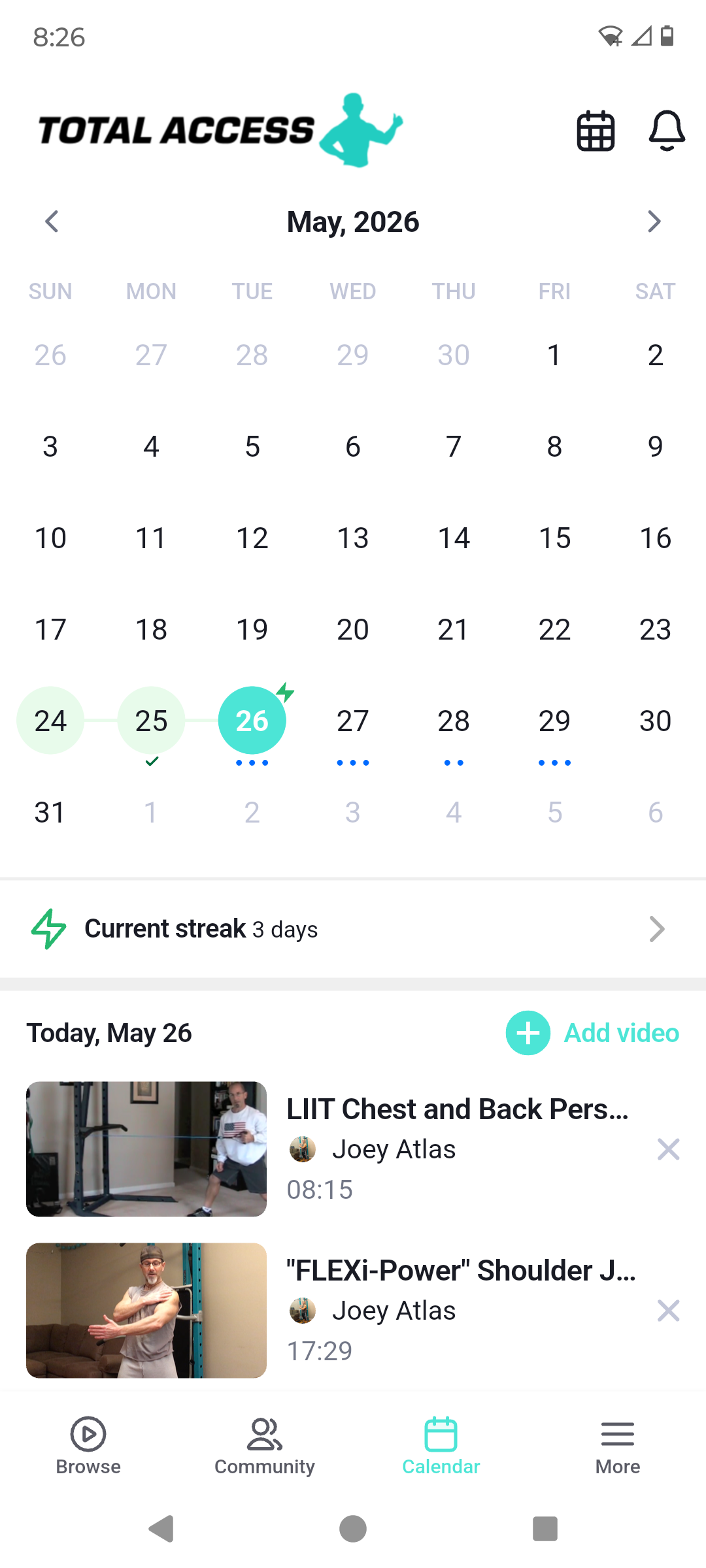

Newbie Tip: The Calendar function is great! It was a little tricky at first but once you know how to do it, it's a very nice feature to help stay on track with the workout program. In the app, select the video you want to schedule on the calendar, click on the "calendar" button below the video, when the calendar opens, pick the day(s) you want to schedule the workout(s)! It's faster to schedule the same workout routine for a few weeks or months at a time and then change it up once you need something new to add in later. Once you complete the video, click on the "completed" button in the video and it will check it off on the calendar. This is a great way to self-motivate and track your progress. Pretty cool.